Tax Region Detail Setup
Per-region detail: rates per category, shipping tax inclusion, exemption rules, overrides.
On this page
Per-region detail configuration. For overview see Tax Regions.
Before you begin
- Go to Settings, then Taxes, and select the region.
- You have Taxes settings permission.
- You have professional tax advice for the region.
Detail fields
| Field | Detail |
|---|---|
| Standard rate | Default for the region |
| Reduced rate | For specific categories (e.g., food at lower VAT) |
| Zero-rated categories | Exempt items |
| Tax on shipping | Yes / No / Match item |
| Threshold | Registration / collection threshold |
| Effective date | When obligation started |
| Tax registration number | For invoices + filings |
Common per-category rules
| Region | Reduced rate |
|---|---|
| EU | Food, books, children's items |
| UK | Books, kids' clothes (zero-rated) |
| US states | Clothing exempt in some |
| AU | Basic food exempt |
Steps
1. Open Settings > Taxes → Region
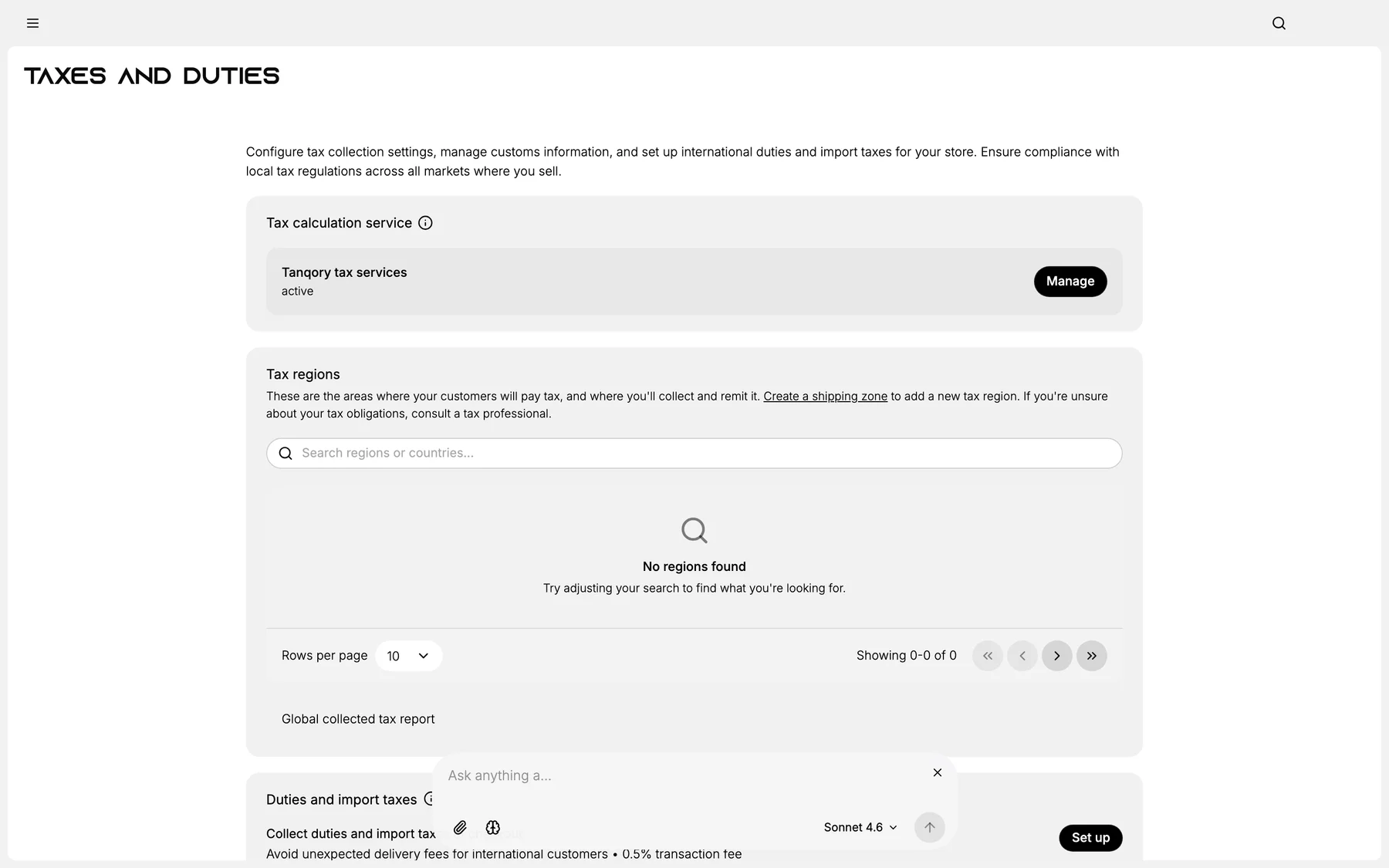
2. Click the region
3. Configure rates + overrides
4. Set shipping-tax rule
5. Save
Best practices
- Tax professional for region rules.
- Audit overrides annually.
- Filing calendar per region.
Common mistakes
- Generic rate ignoring category exemptions.
- Wrong shipping-tax rule for region.
Next steps
Related articles
Still stuck?
- Ask Tanqory AIAsk in your own words. It answers from these articles and links the ones it used.
- Ask in your adminThe assistant in your Tanqory admin answers and makes the change for you once you confirm.
- Contact TanqoryWrite to our privacy, security or legal teams, or talk to sales about a plan or a move.