Duties and Import Tax Configuration
Decide who pays import duties: merchant (DDP) or customer (DDU/DAP). Configure per-region. Affects checkout UX + customer experience.
On this page
For cross-border shipments, someone pays import duties + taxes: either you (DDP: Delivered Duty Paid) or the customer at delivery (DDU/DAP). Pick based on customer-experience goals + your margin.
Before you begin
- Go to Settings, then Taxes, then open Duties.
- You have Taxes settings permission.
- You've decided strategy per region.
- HS codes set on products (see Customs Setup).
DDP vs DDU
| DDP (you pay) | DDU/DAP (customer pays) | |
|---|---|---|
| Customer-facing surprise | None | Customs bill at door |
| Conversion impact | Higher | Lower (sticker shock at delivery) |
| Your cost | Higher | Lower |
| Refund handling | Easier | Customer refused at customs |
| Per-region calc complexity | High | Low |
Typical setups
| Strategy | Setup |
|---|---|
| Best CX | DDP for low-duty regions; DDU for high |
| Lowest cost | DDU everywhere (accept abandonment) |
| Best conversion | DDP everywhere |
| Premium brand | DDP everywhere |
Steps
1. Open Settings > Taxes > Duties
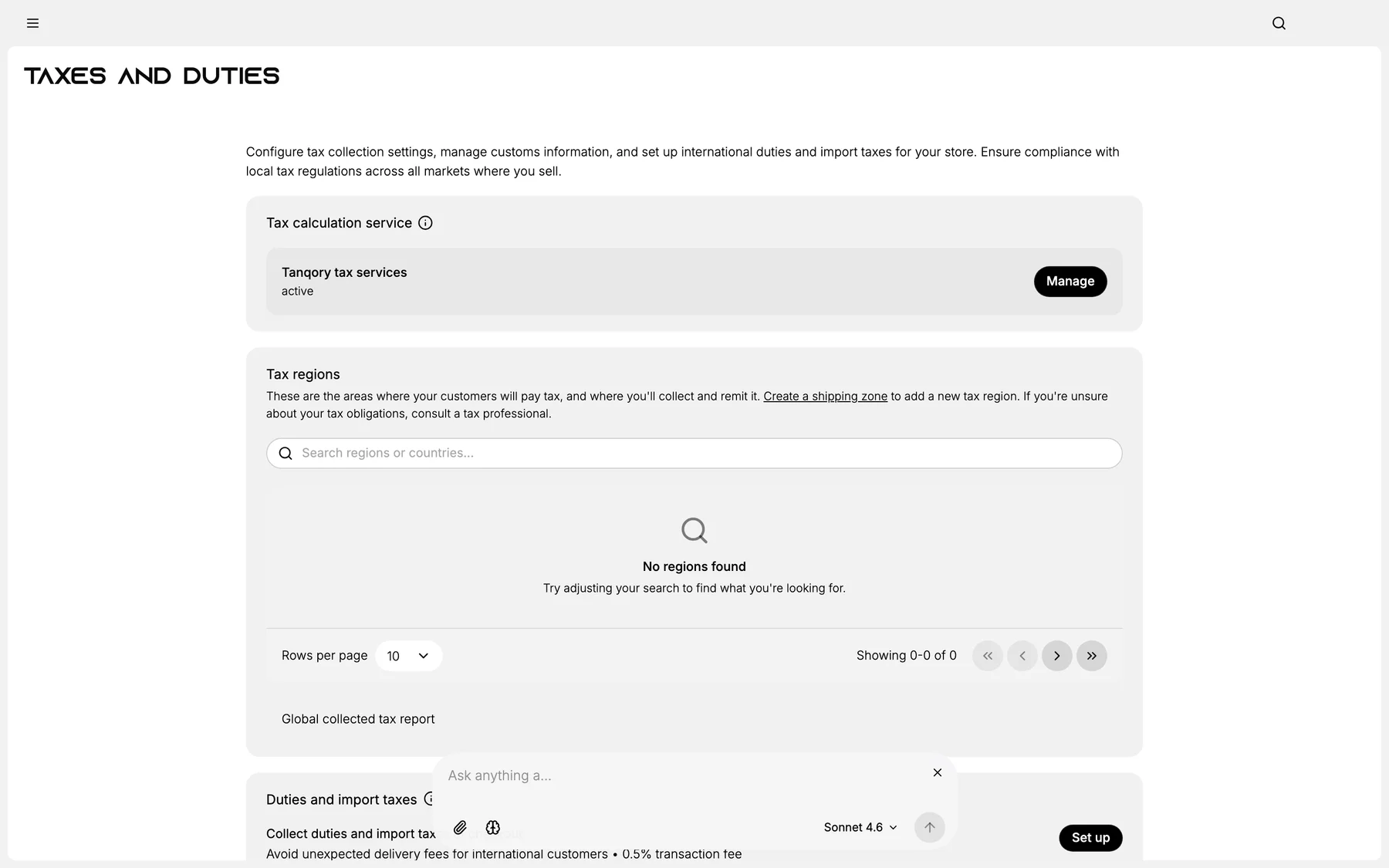
2. Pick DDP or DDU per region
3. (DDP) Enable duty estimation at checkout
4. Verify checkout shows duty line item (if DDP)
5. Save
Verify the result
- DDP regions: customer sees duty at checkout.
- DDU regions: no duty at checkout, customer pays carrier.
- Customs paperwork accurate.
Best practices
- DDP for premium brands: protects experience.
- Honest disclosure of duty model at PDP.
- Tax service for accurate duty math.
Common mistakes
- DDU without disclosure: customer hates surprise.
- No HS codes → customs delays.
Next steps
Related articles
Still stuck?
- Ask Tanqory AIAsk in your own words. It answers from these articles and links the ones it used.
- Ask in your adminThe assistant in your Tanqory admin answers and makes the change for you once you confirm.
- Contact TanqoryWrite to our privacy, security or legal teams, or talk to sales about a plan or a move.