Duties Configuration Detail
Per-region duty rates, HS code requirements, declared-value rules. Detail companion to Duties + Import Tax overview.
On this page
Detail-level configuration for international duties. For overview see Duties + Import Tax.
Before you begin
- Go to Settings, then Taxes, then open Duties, and select the region.
- You have Taxes settings permission.
- Customs paperwork enabled (see Customs Setup).
- Tax service active for accurate duty calc.
Per-region settings
| Setting | Detail |
|---|---|
| Duty model | DDP / DDU |
| Threshold | Min order value to apply duties (varies by region) |
| Rate source | Tanqory built-in / 3rd-party service |
| Override rates | Per-category |
| Refund handling | Duty-paid-but-returned policy |
Threshold examples (illustrative)
| Region | De minimis threshold |
|---|---|
| EU | €150 (above triggers VAT-IOSS at customs) |
| UK | £135 |
| Canada | CAD $20 |
| US | $800 |
(These change: verify current rules.)
Steps
1. Open Settings > Taxes > Duties → Region
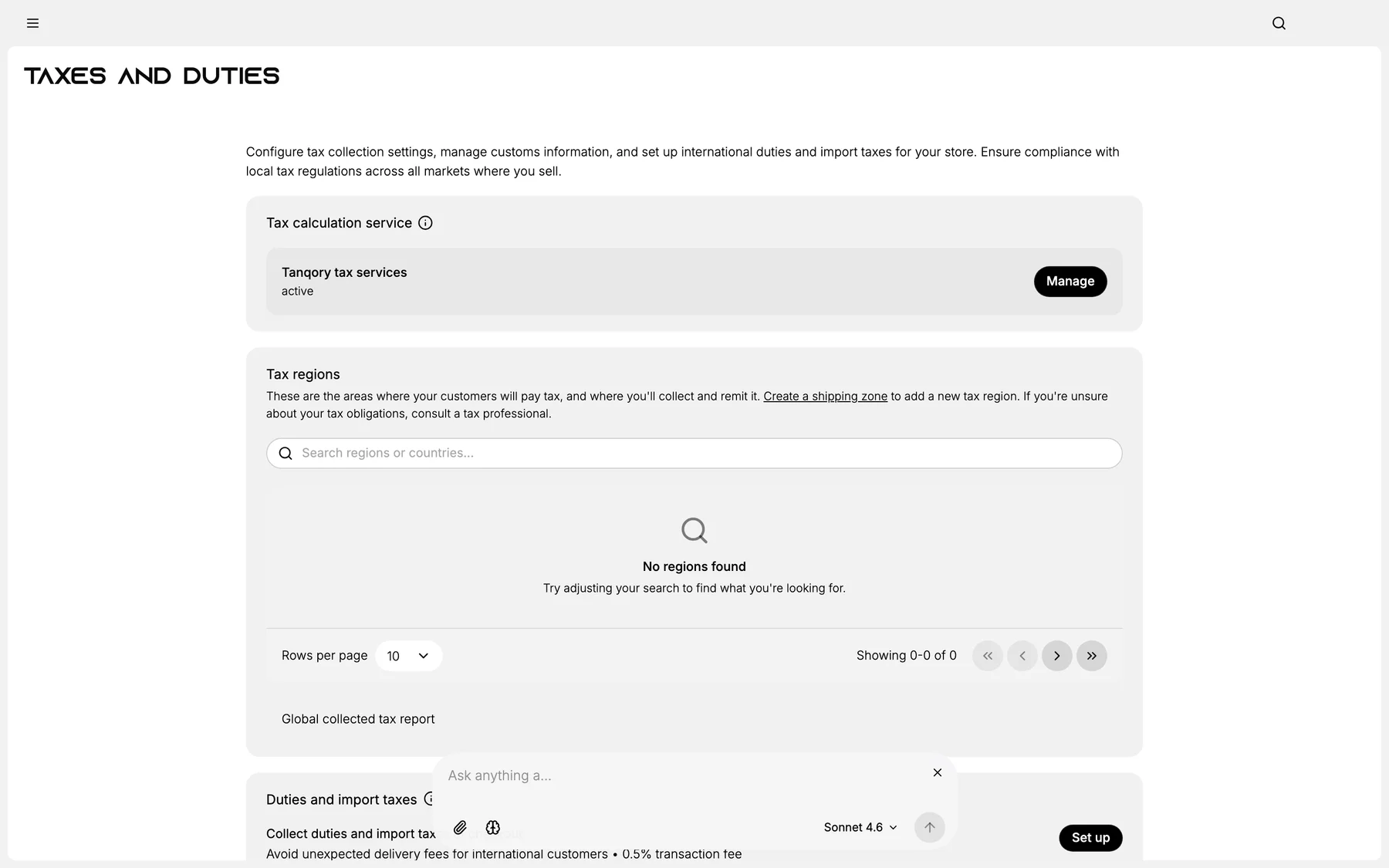
2. Configure thresholds + duty model
3. Save
4. Test cross-border checkout
Best practices
- Use tax service for accurate duty math.
- Disclose duty model clearly.
- Audit randomly.
Common mistakes
- Wrong threshold → over/under-collection.
- Generic rate for all categories.
Next steps
Related articles
Still stuck?
- Ask Tanqory AIAsk in your own words. It answers from these articles and links the ones it used.
- Ask in your adminThe assistant in your Tanqory admin answers and makes the change for you once you confirm.
- Contact TanqoryWrite to our privacy, security or legal teams, or talk to sales about a plan or a move.