Payment Providers Overview
Compare payment providers available in Tanqory and pick what fits: by fee structure, supported methods, jurisdiction, settlement speed.
On this page
A Payment Provider (PSP) processes card payments + alternative payment methods (APMs). You can connect multiple: one per region/market is common. Picking the right mix matters: fees, settlement speed, supported methods, dispute handling all differ.
You'll work at /admin/store/{storeId}/settings/payments.
Before you begin
- Go to Settings and open Payments.
- You have Payments settings permission.
- You have shortlisted providers + accounts created with each.
Provider categories
| Category | Examples (generic) | Pick if |
|---|---|---|
| Global card processors | Stripe-like, Adyen-like | Card-first, multi-currency |
| Regional processors | Local-bank-integrated | Regulated regional market |
| APM aggregators | Buy-now-pay-later providers | Sub-$1000 fashion/electronics |
| Wallet | PayPal, Apple Pay, Google Pay | Higher conversion via wallet auth |
| Manual | Bank transfer / COD | B2B / Thai market / cash-preference |
What to compare
| Axis | Why |
|---|---|
| Card fees | Direct margin |
| Settlement speed | Cash flow |
| Supported currencies | Cross-border |
| Supported markets | Legal acceptance |
| APM coverage | Conversion |
| Fraud tooling | Loss prevention |
| Dispute resolution UX | Support efficiency |
| API + webhook reliability | Engineering effort |
| Customer comms language | Region-fit |
Multiple providers: when
| Scenario | Multiple? |
|---|---|
| Single market, single currency | One is fine |
| Cross-border, multiple currencies | Multiple: pick best per market |
| Backup for outage resilience | Yes |
| Vary by payment method (cards vs BNPL) | Yes: provider per APM |
Steps
1. Open Settings > Payments
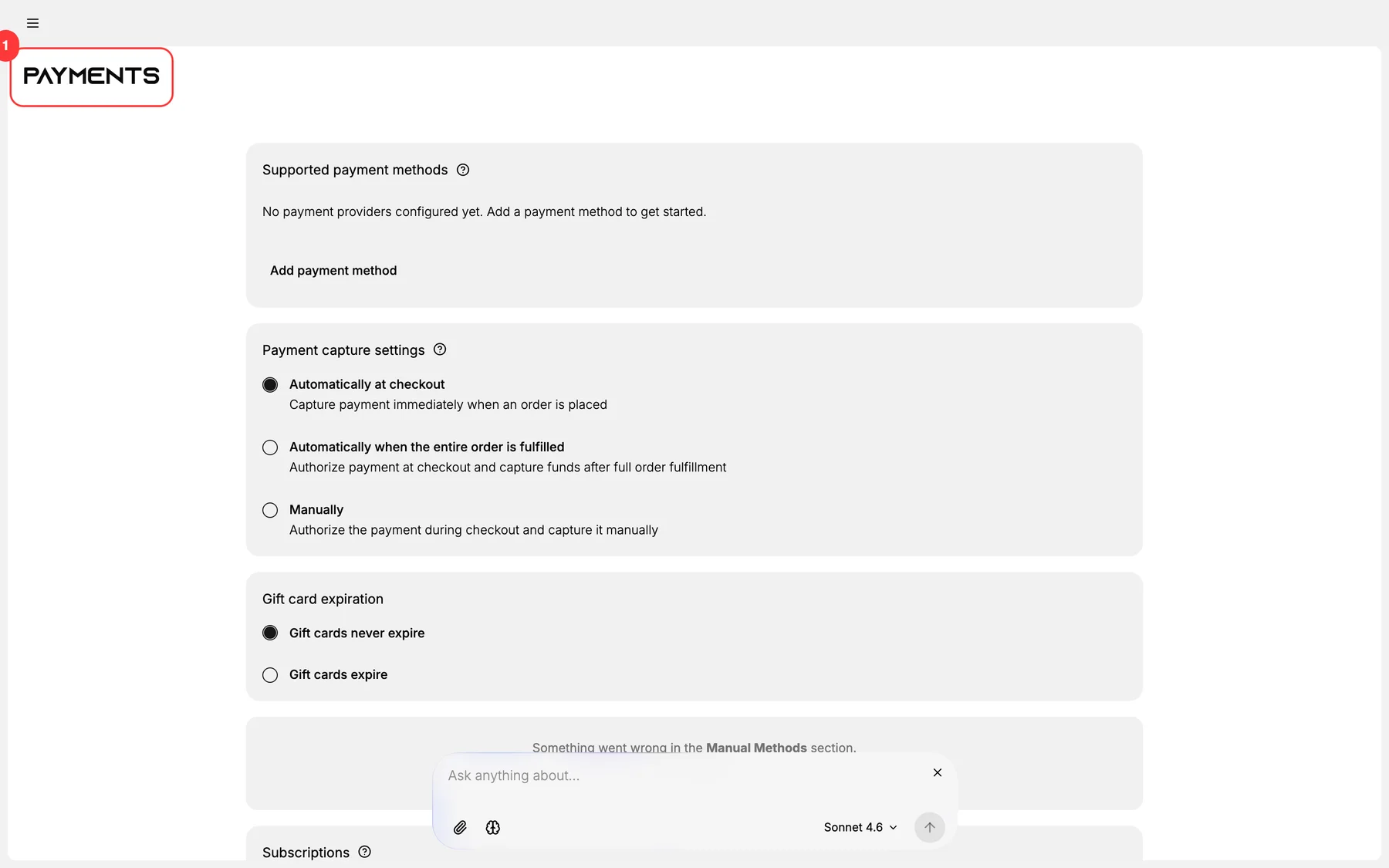
2. See connected providers + add-provider button
3. Click Add provider
4. Pick from catalog
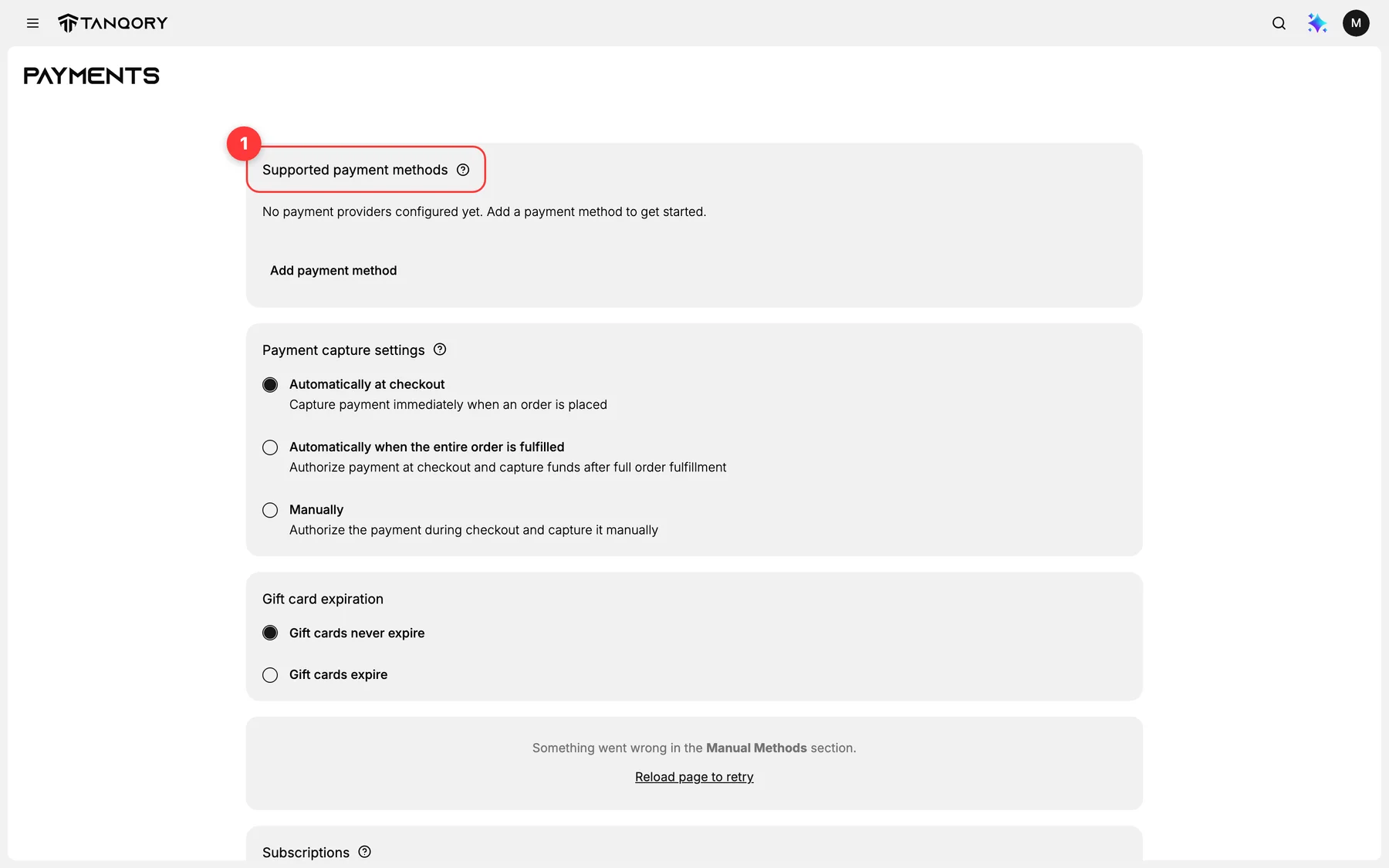
5. Connect via OAuth / API keys
6. Verify test transaction succeeds
7. Switch from test to live
8. Repeat per provider
Verify the result
- Provider listed under connected.
- Test transaction succeeded.
- Live mode toggled.
- Customer-facing payment methods show at checkout.
Best practices
- Test transaction every provider before going live.
- Webhook monitoring: failed webhooks = lost orders.
- Currency match per provider to avoid FX fees.
- Backup provider for resilience.
- Document credentials in your password manager (not in markdown).
Common mistakes
- Forgetting to switch test → live.
- Wrong currency mapping.
- No webhook monitoring → silent failures.
- Same provider chosen for redundant role.
If something goes wrong
- Payment declined unexpectedly: check provider dashboard + Tanqory logs.
- Webhook failures: see Webhooks Troubleshooting.
- Permission denied: your role lacks Payments settings.
Next steps
Related articles
Still stuck?
- Ask Tanqory AIAsk in your own words. It answers from these articles and links the ones it used.
- Ask in your adminThe assistant in your Tanqory admin answers and makes the change for you once you confirm.
- Contact TanqoryWrite to our privacy, security or legal teams, or talk to sales about a plan or a move.