Add a Payment Provider
Connect a new payment provider via Settings > Payments > Supported payment methods. Standard providers (Stripe, PayPal) connect via OAuth; manual methods configure inline.
On this page
Adding a payment provider expands the payment methods customers see at checkout. Tanqory ships with a curated provider list; you activate the ones you want and walk through provider-specific onboarding. Done from the Supported payment methods section of Settings > Payments.
You'll work at /admin/store/{storeId}/settings/payments: Supported payment methods is the first functional section after the page header.
Before you begin
- You are signed in to your Tanqory store admin.
- You have the Manage payments permission. Some providers require Owner for OAuth.
- For OAuth providers (Stripe, PayPal): you have the credentials / merchant accounts already created.
- For manual providers (bank transfer, PromptPay QR, COD): you have the necessary account / instructions ready.
Steps
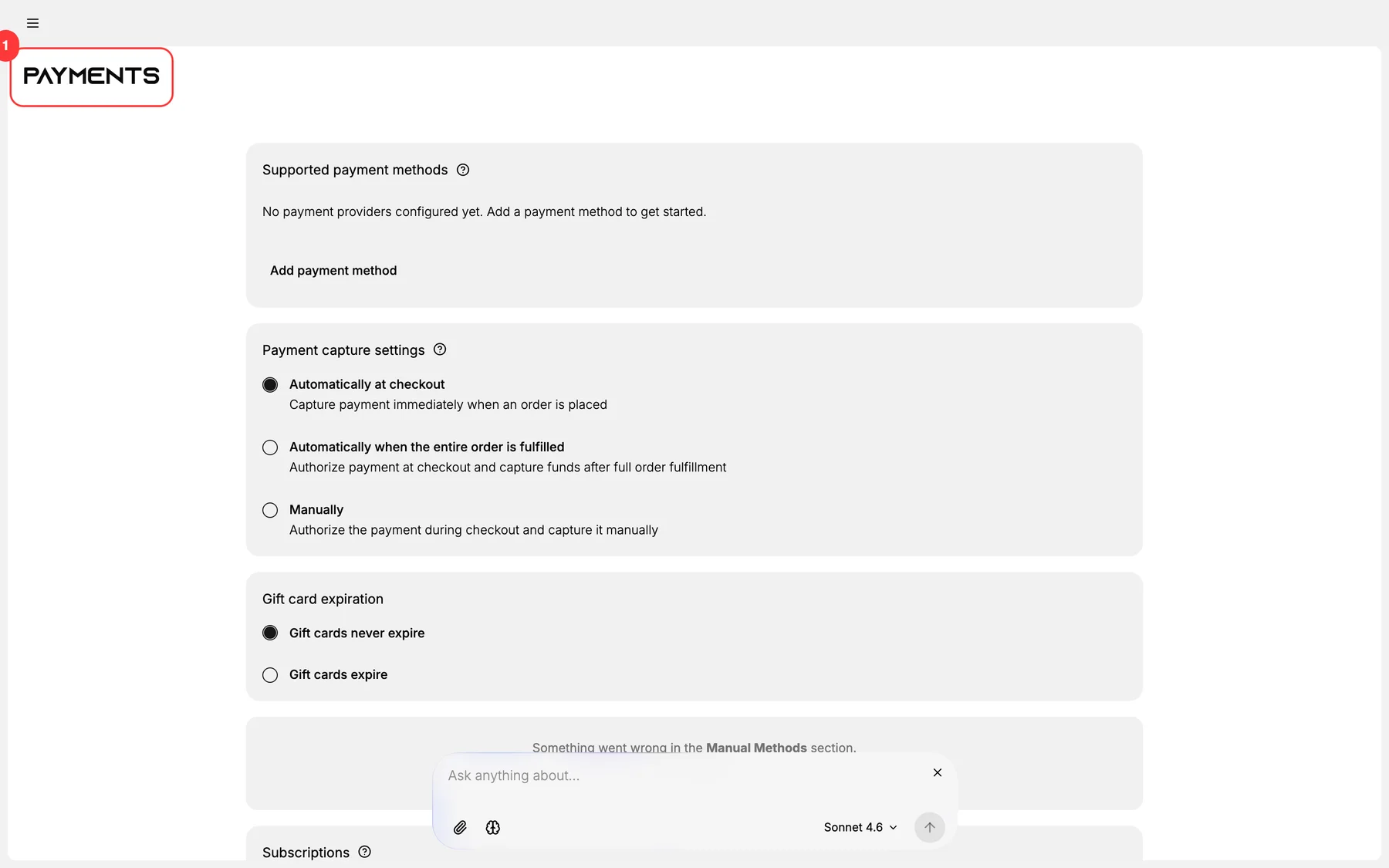
1. Open Settings > Payments
The page header at the top of the page.
2. Open Supported payment methods
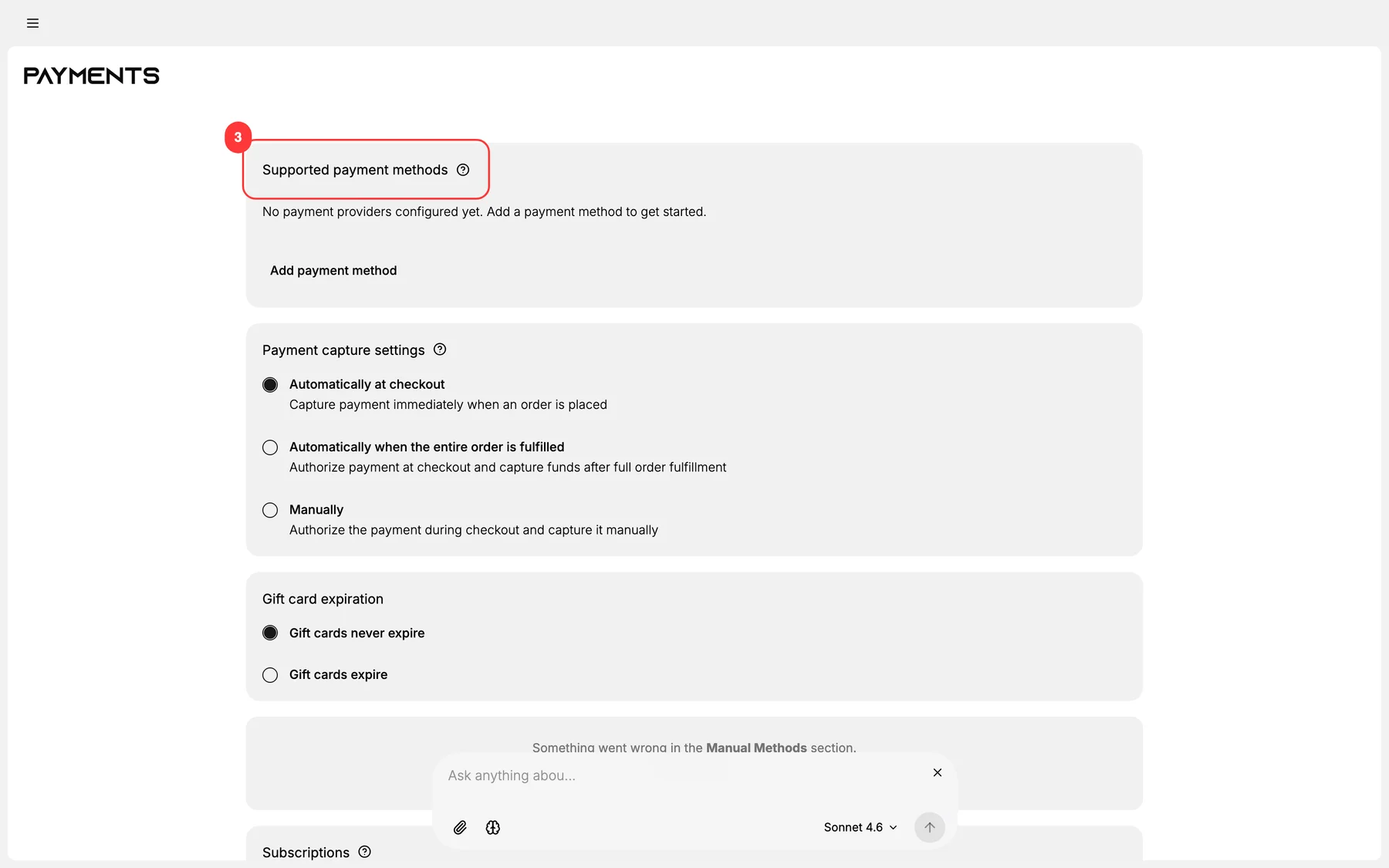
The first functional section. Lists every provider currently activated on your store and offers add/activate actions for new providers.
3. Choose the provider category
Tanqory groups providers by category:
- Credit / debit cards: Stripe, Authorize.net, Adyen, etc.
- Digital wallets: Apple Pay, Google Pay, PayPal.
- Alternative pay: Klarna, Afterpay, Affirm.
- Local methods: PromptPay (TH), Pix (BR), GrabPay (SEA).
- Manual methods: bank transfer, COD, money order.
Click the category to see provider options.
4. Click the provider to start activation
Activation flow depends on provider type:
- OAuth-style (Stripe, PayPal): Tanqory redirects to the provider's authorize page. Sign in, grant scopes, redirect back. Tanqory stores the access token.
- API-key-style: Paste API keys + secrets into Tanqory's form. Click Verify; Tanqory makes a test call.
- Manual / inline: Configure customer-facing instructions, account details, and any provider-specific behavior.
5. Run a test transaction
Almost every provider supports test mode. Switch the provider to test mode and run a small transaction end-to-end:
- Add product to cart.
- Proceed to checkout.
- Pay with test card (provider docs document test card numbers).
- Verify the order is paid in Tanqory + funds appear in provider dashboard.
6. Promote to production + verify
Switch the provider out of test mode. Run a 1-cent / smallest-allowed real transaction. Verify settlement.
7. (Optional) Set as default at checkout
If your store has only one credit-card provider, it's already default. With multiple, set the preferred default in the provider's settings.
Verify the result
- Provider shows status: Connected / Active in the Supported payment methods section.
- Test order through the provider completes end-to-end.
- Order shows in Orders Overview with the correct payment method.
- Funds appear in the provider's dashboard / settlement on the next cycle.
Best practices
- Activate at least two card providers: failover when one has an outage.
- Test with multiple geos: fraud rules differ by IP / BIN.
- Document provider activation: KYC paperwork, billing relationship.
- Start in test mode always. Production with no test = real-money disaster.
- Keep API keys secure: rotate annually, never commit to source.
Common mistakes
- Single-provider setups: no failover.
- Skipping test mode: discover errors with real customer money.
- Forgetting to switch to production after testing: customers can't pay.
- Pasting API keys into shared docs: security incident waiting to happen.
- Ignoring provider TOS on store category: some providers ban certain categories.
If something goes wrong
- OAuth redirect fails: check that the OAuth callback URL is registered with the provider.
- Test transaction fails: usually the test card number is wrong. Provider docs are canonical.
- Production transaction fails post-activation: KYC may not be complete. Provider often holds funds until KYC closes.
- Provider shows "Disconnected" after a while: OAuth tokens expire; re-authorize.
- Permission denied: Owner role may be required for the OAuth handshake.
Next steps
Related articles
Still stuck?
- Ask Tanqory AIAsk in your own words. It answers from these articles and links the ones it used.
- Ask in your adminThe assistant in your Tanqory admin answers and makes the change for you once you confirm.
- Contact TanqoryWrite to our privacy, security or legal teams, or talk to sales about a plan or a move.