PromptPay QR Payment
Accept PromptPay QR: the canonical Thailand mobile-pay rail. Configured under Supported payment methods in Settings > Payments.
On this page
PromptPay is Thailand's interbank mobile payment rail. At checkout, customers scan a dynamic QR code with their bank app and confirm the transfer. Funds settle to your registered PromptPay account near-instantly. Critical for any store serving the Thailand market: PromptPay adoption rate is over 80% of Thai banking customers.
Enabled under Supported payment methods in Settings > Payments.
Before you begin
- You are signed in to your Tanqory store admin.
- You have the Manage payments permission.
- You have a registered Thai PromptPay ID: typically your business citizen-ID number, tax ID, or registered mobile number.
- Your Thai bank account is linked to the PromptPay ID and active.
Steps
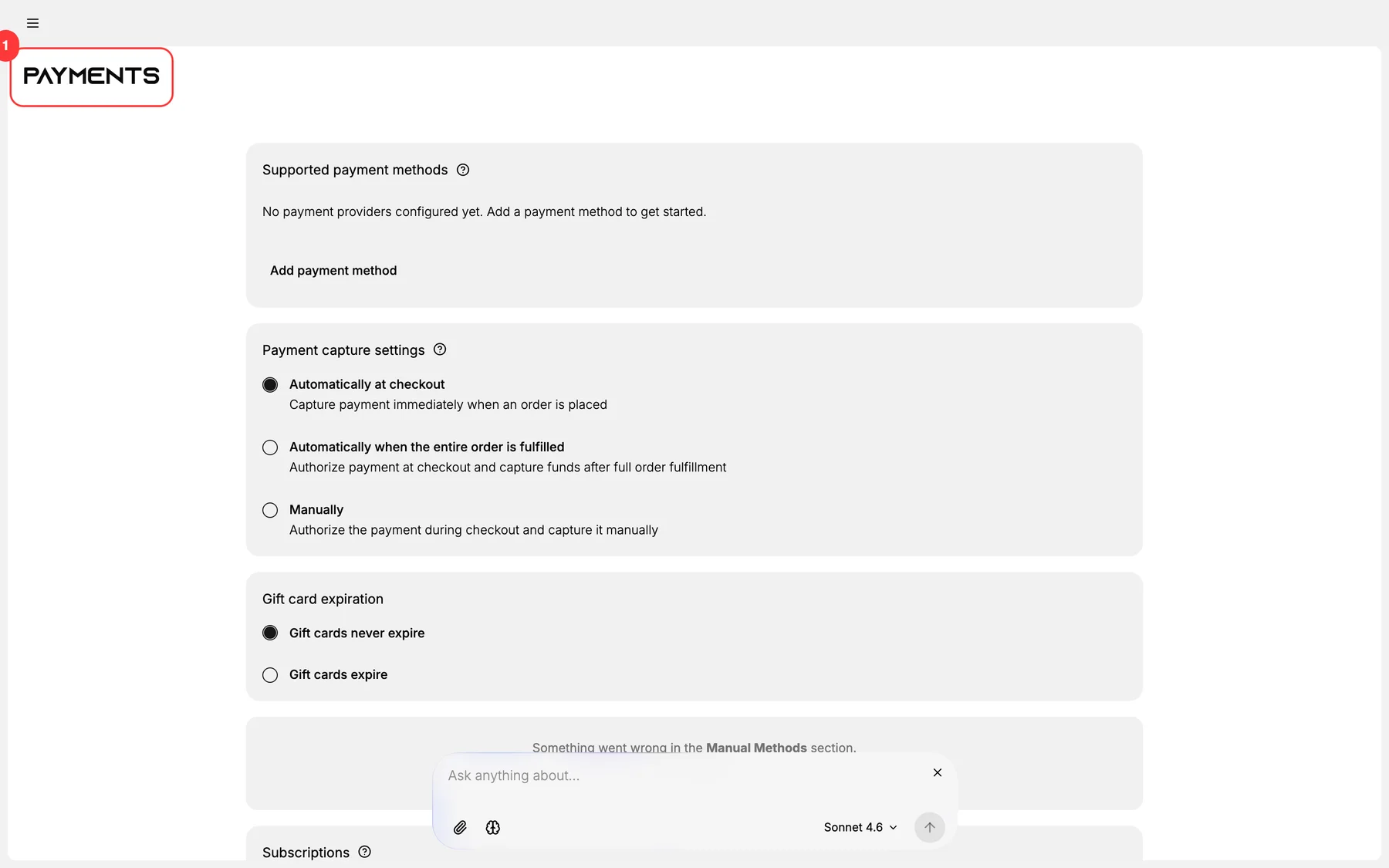
1. Open Settings > Payments
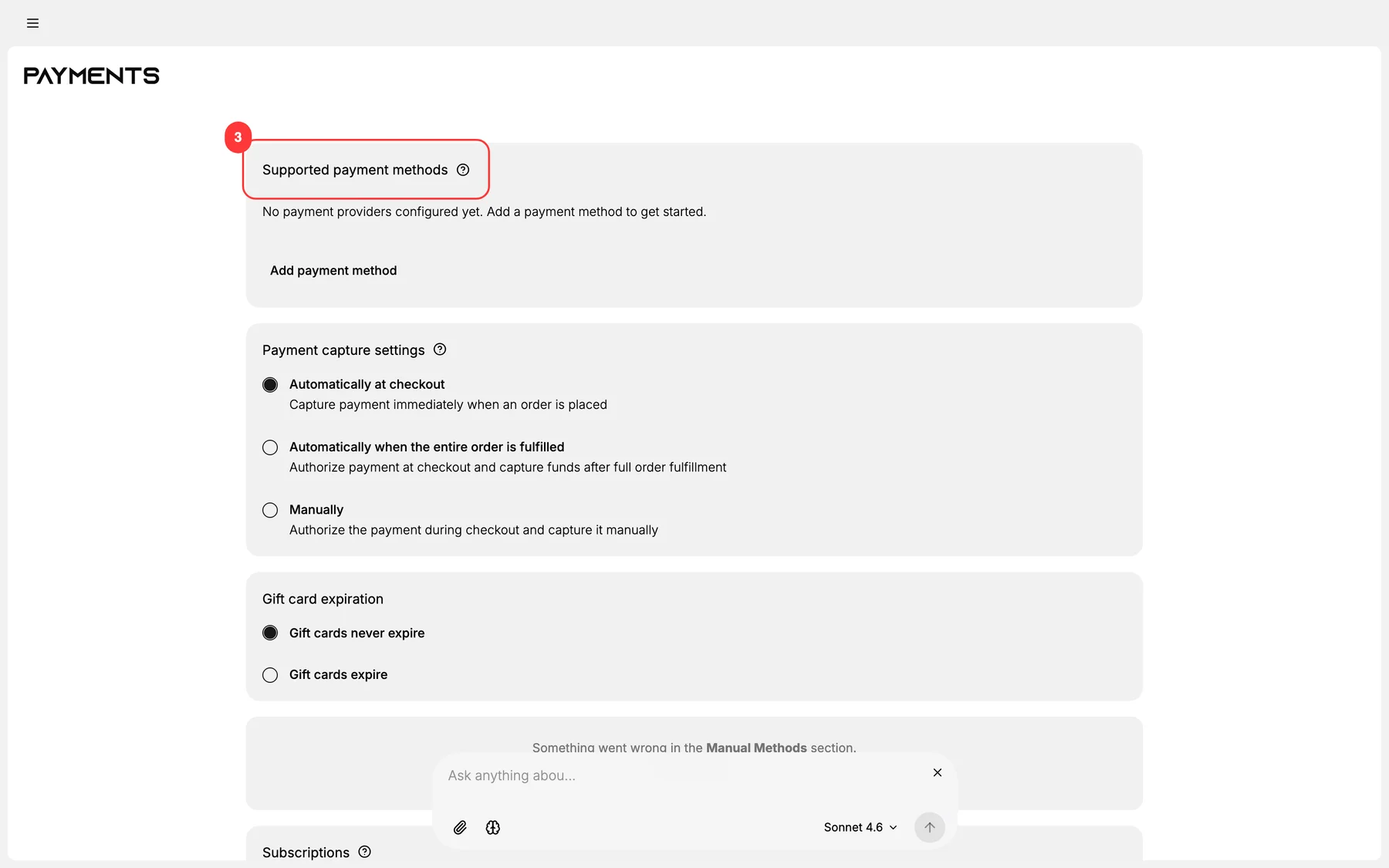
2. Add PromptPay under Supported payment methods
PromptPay is available under the local methods / Thailand category.
3. Enter your PromptPay ID
The registered identifier:
- Citizen-ID number (13 digits): for individual entrepreneurs.
- Tax ID (13 digits): for registered companies.
- Registered mobile number: common for solopreneurs.
Tanqory generates a dynamic QR per order using this ID + the order amount + a unique reference number.
4. Configure payment timeout
PromptPay QR is valid for a configurable window (typically 15-30 minutes). After the window expires, the QR refreshes; the customer must re-scan. Set the window based on your operational cadence:
- Short window (5-10 min): high churn but cleaner cart state.
- Standard (15 min): balanced.
- Long (30 min): customer-friendly, less churn.
5. Set the success-detection workflow
PromptPay is near-real-time. Tanqory typically uses one of:
- Webhook from bank API (fastest, requires bank-side support).
- Polling (Tanqory polls bank API every N seconds).
- Manual confirmation (customer uploads slip; operator confirms).
Configure based on your bank's API support.
6. Save and test
Test with a real PromptPay-linked bank account in a private browser. Verify QR renders, scan completes, and the order auto-advances to Paid within the polling / webhook latency.
Verify the result
- PromptPay appears as a checkout option for THB-currency carts.
- QR code renders correctly + matches the order amount.
- Customer scan from their bank app completes and shows the merchant name.
- Order auto-advances to Paid within the success-detection latency.
- Reference number on the bank statement matches the order.
Best practices
- Use webhook detection if your bank supports it: fastest path to Paid status.
- 15-min default window balances customer experience and cart-state cleanliness.
- Auto-cancel on window expiry: releases inventory immediately.
- Display the amount prominently alongside the QR: customers should verify before confirming.
- Test from a real bank app weekly: bank API behavior changes silently.
Common mistakes
- No timeout window: pending orders accumulate.
- Wrong PromptPay ID format: citizen-ID has 13 digits; tax ID has 13 digits; mobile has 10. Use the right one.
- No reference number: finance can't reconcile bank statement to orders.
- Polling too aggressively: hits bank API rate limits.
- No fallback to manual slip upload: webhook outages break customer experience.
If something goes wrong
- QR doesn't render: verify PromptPay ID is registered and active.
- Customer scanned but order still pending: webhook may be down; check polling fallback.
- Wrong amount in customer bank app: QR may be stale; refresh by reloading checkout.
- Reference number missing on bank statement: Tanqory's QR may not include the reference field; manual matching needed.
- Permission denied: your role lacks Manage payments.
Next steps
Related articles
Still stuck?
- Ask Tanqory AIAsk in your own words. It answers from these articles and links the ones it used.
- Ask in your adminThe assistant in your Tanqory admin answers and makes the change for you once you confirm.
- Contact TanqoryWrite to our privacy, security or legal teams, or talk to sales about a plan or a move.