Refunding Payments
Refund a captured order, full or partial, back to the original payment method. For automated PSPs the refund is API-driven; for manual methods it requires out-of-Tanqory bank action.
On this page
A refund returns funds the customer paid back to their original payment method. For automated PSPs (Stripe, PayPal, etc.) Tanqory makes the refund through the provider's API and the customer sees the credit on their statement within a few business days. For manual methods (bank transfer, COD), Tanqory updates order state, but the actual money movement happens outside Tanqory through your finance team.
The refund action lives on the order detail page (Orders > Overview > {order}). For policy + configuration, Settings > Payments covers provider-side capabilities.
Before you begin
- You are signed in to your Tanqory store admin.
- You have the Manage orders + Manage payments permissions.
- The order is in a refundable state: Paid (full or partial refund possible) or Authorized (void, not refund).
- You know the refund amount + reason (for audit log).
Steps
1. Open the order
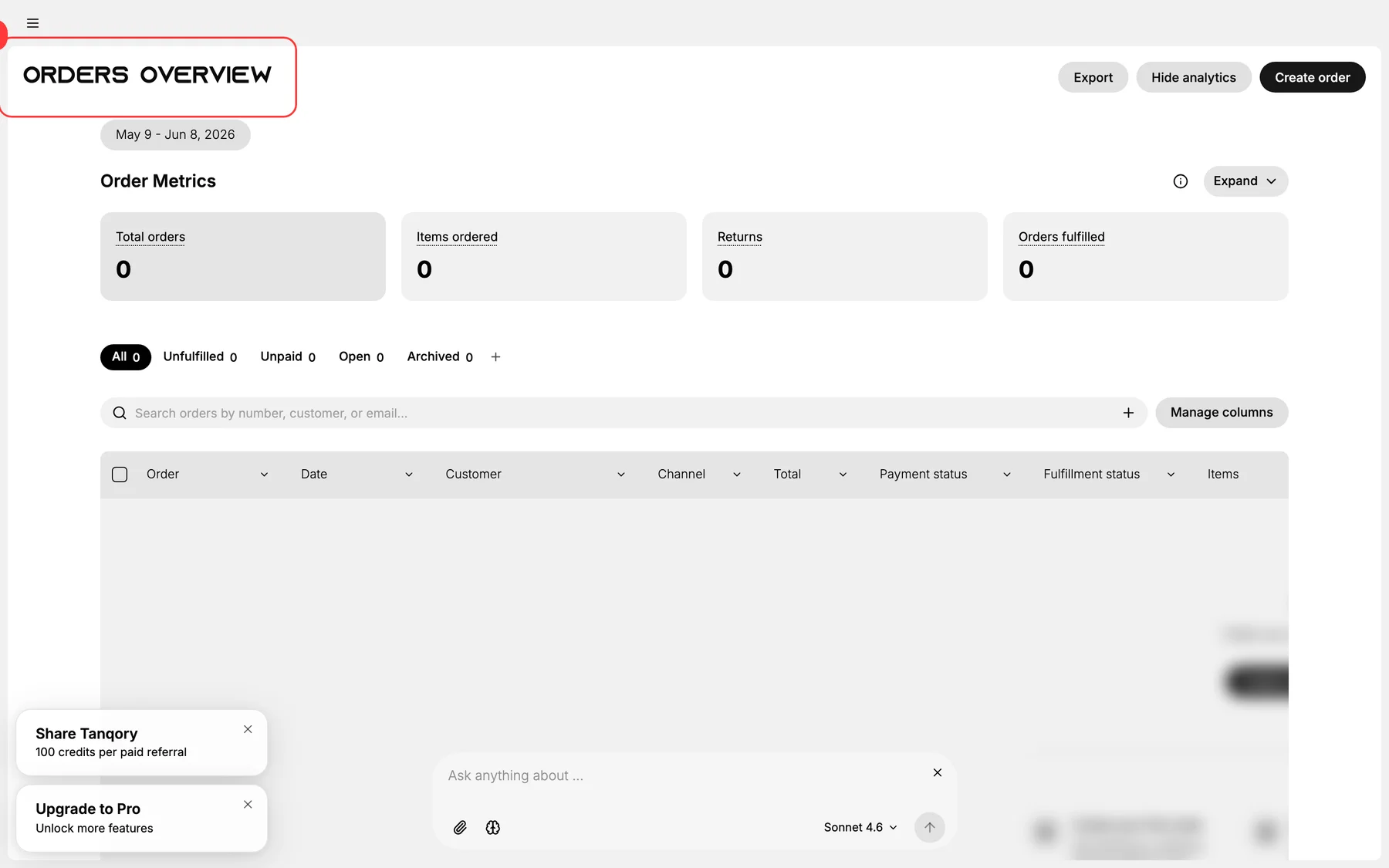
From Orders > Overview, click the order. The order detail page opens with the action menu in the toolbar.
2. Choose Refund in the order actions menu
The order detail page has a Refund action. Click to open the refund modal.
3. Choose full or partial refund
- Full refund: returns the entire paid amount.
- Partial refund: returns a specific amount (e.g., refund shipping only, refund one line item, partial product credit).
4. Select line items + amounts (partial refund only)
For partial refunds, pick:
- Specific line items to refund.
- Quantity per line item.
- Whether to refund shipping.
- Whether to refund tax (auto-recomputed by jurisdiction).
5. Decide restock behavior
- Restock to inventory: returns the line items to your stock counts (if items are physically returned).
- No restock: for damaged returns, digital goods, or change-of-mind without item return.
6. Enter the refund reason
The reason appears in the customer-facing refund notification and the order audit log:
- Customer-requested
- Damaged on arrival
- Wrong item shipped
- Out of stock
- Goodwill / customer service
7. Submit the refund
For automated PSPs, Tanqory calls the provider's refund API. For manual methods, the order state updates; finance then processes the bank-side refund offline.
The customer receives a refund confirmation email automatically.
8. Verify refund settled
For automated PSPs, refunds typically settle in 5-10 business days (varies by provider + card-issuer). For manual methods, settle when finance issues the bank transfer.
Verify the result
- Order status updates to Refunded or Partially refunded.
- Refund line appears in the order timeline with operator + amount.
- Customer email arrives with the refund details.
- For PSP refunds: provider dashboard shows the refund.
- Restock count (if selected) appears in inventory.
Best practices
- Pick clear refund reasons for audit + analytics: vague reasons hurt later reporting.
- Match restock decision to physical reality. Restock only if items genuinely returned.
- Document partial refunds clearly for the customer: itemize what was refunded.
- Don't refund authorizations: void them instead.
- Investigate refund-rate spikes: usually upstream signal (quality issue, wrong-item picking).
Common mistakes
- Refunding before items returned for high-value goods: creates incentive for fraud.
- Restocking damaged items: accidentally re-sells unsellable inventory.
- Wrong tax computation on partial refunds: must match jurisdiction.
- Skipping the reason field: audit and analytics both suffer.
- Refunding from the wrong order: double-check before submitting.
If something goes wrong
- Refund fails at the PSP: provider may have a refund-window limit (90 days typical). Past that, refund manually via bank.
- Customer says they didn't get the refund: show them the provider's refund record + the typical settlement window.
- Wrong amount refunded: issue an adjustment via a follow-on refund or charge depending on direction.
- Partial refund of an already-partial-refunded order: Tanqory tracks per-line balance; should work, verify on the order.
- Permission denied: your role lacks Manage orders / Manage payments.
Next steps
Related articles
Still stuck?
- Ask Tanqory AIAsk in your own words. It answers from these articles and links the ones it used.
- Ask in your adminThe assistant in your Tanqory admin answers and makes the change for you once you confirm.
- Contact TanqoryWrite to our privacy, security or legal teams, or talk to sales about a plan or a move.