Terms of Service
Terms of service is the policy that sets the legal terms of buying from your store, covering customer rights, usage terms, liability limits and how disputes are handled. It is written in the same rich-text editor as the other policies, beginning from a template, a generated draft, or an empty page. This covers what the editor holds, how to set the terms, and the problems that come up while doing it.
On this page
The Terms of service is the policy that sets the legal terms governing your store. As the editor explains, it outlines customer rights, usage terms, liability limitations, and dispute resolution procedures. You write it in a rich-text editor and can begin from a template, have it generated, or start from scratch. You reach it from the Policies page in your store settings, then the Terms of service entry under Written policies. A policy has legal weight, so review the wording with your own legal advisor before you publish it.
What the terms have to cover
The editor describes the terms as covering four things, and each answers a question a customer or a court would ask.
| Area | The question it answers |
|---|---|
| Customer rights | What a buyer is entitled to from you, and under what conditions |
| Usage terms | What someone may and may not do with your store and what you sell |
| Liability limitations | How far your responsibility extends when something goes wrong |
| Dispute resolution | Where a disagreement is settled, and under which law |
A template fills all four, which is exactly why it needs reading rather than accepting. Its liability and dispute wording is written for no particular business and no particular country, and those two are the areas where a generic answer is most likely to be the wrong one for you.
Before you begin
- Have a clear picture of how your store actually operates: how you take payment, how and when you deliver, what you do about returns, and how you handle a dispute.
- Where the terms are legally binding, have them reviewed by someone qualified for your region, since these are the terms you are held to.
- Open Settings > Policies in the admin sidebar, then under Written policies select Terms of service.
Writing them
The mechanics are the same as any other policy on the page, and Use the Policy Editor covers them once: open the policy, begin from a template, a generated draft or an empty editor, format with the toolbar, and save.
What is worth knowing here is where the responsibility sits. The Important legal disclaimer under the editor states that the template is provided for informational purposes only and does not constitute legal advice. A customer accepts these terms by buying from you, so whatever the template says becomes what you are held to, whether or not anyone read it before saving.
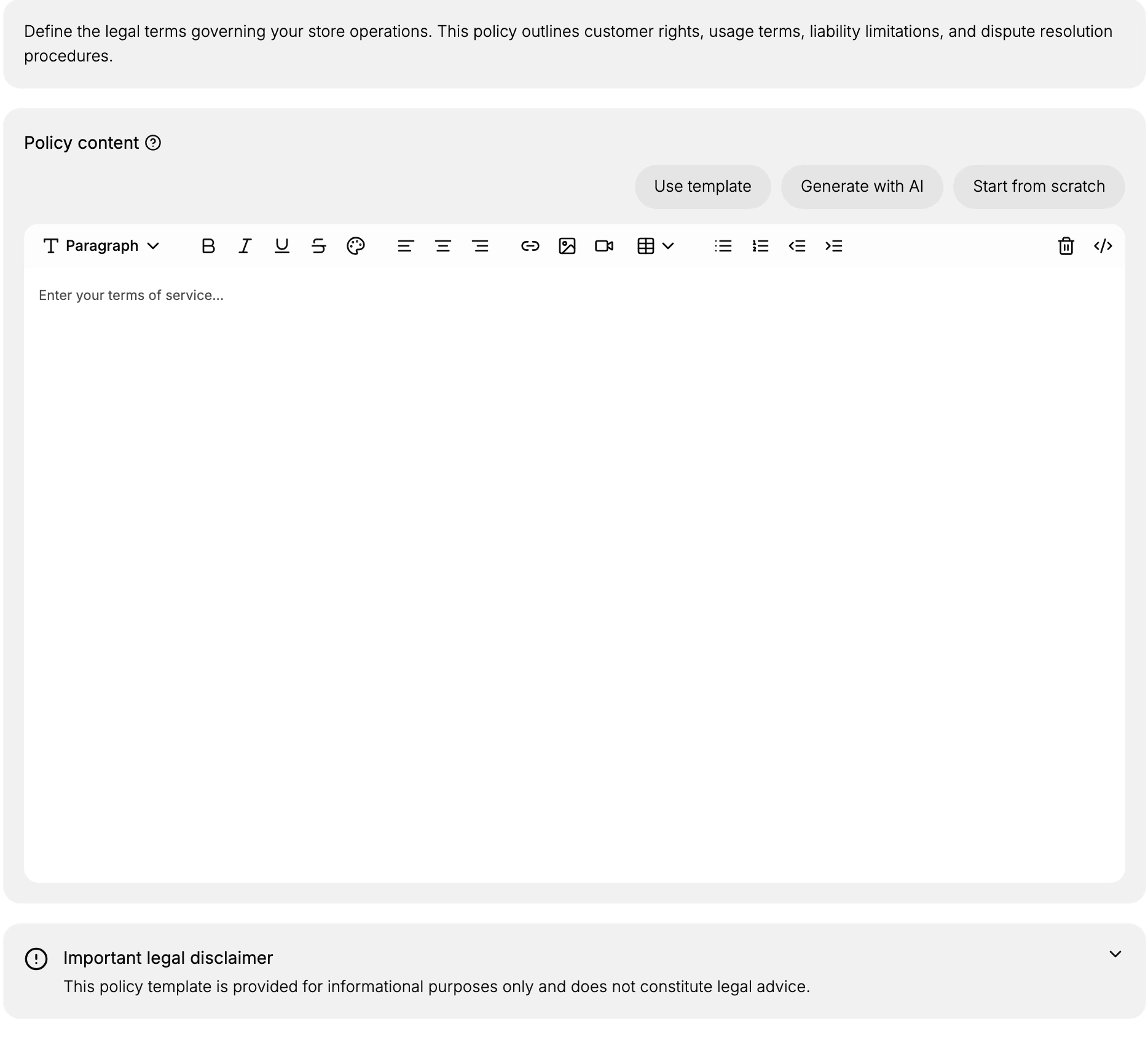
Terms of service differs from the other policies in what it does rather than in how it is written, since it is the one a customer accepts by buying from you. That is what makes its wording the text you may be held to, and why a review by someone qualified for your region is worth more here than on any other policy in the list.
Best practices
- Have your legal advisor review it. The editor's own disclaimer notes it is not legal advice, so confirm the terms fit your business and the regions you sell to.
- Cover the essentials. Address customer rights, acceptable use, liability limits, and dispute resolution so the terms are complete.
- Write it clearly. Use headings and short paragraphs so customers and staff can find the relevant part quickly.
- Keep it current. Update the terms whenever your business or the way you operate changes so the published version stays accurate.
If something goes wrong
- The terms are not showing to customers. A policy is linked from your store once it is set, so confirm you saved it.
- A template does not fit your store. Start from a template or a generated draft, then edit it, or use Start from scratch to write your own.
- You cannot edit the terms. Your role may not allow managing settings. Ask an owner or admin.
Next steps
Related articles
- Storefront Terms of Service for where the terms appear to customers.
- Contact Information
- Shipping Policy
Still stuck?
- Ask Tanqory AIAsk in your own words. It answers from these articles and links the ones it used.
- Ask in your adminThe assistant in your Tanqory admin answers and makes the change for you once you confirm.
- Contact TanqoryWrite to our privacy, security or legal teams, or talk to sales about a plan or a move.