Privacy Policy
Your privacy policy is the page that tells customers how you handle their data. In Tanqory it can be generated and kept current automatically, or written by hand, and published from the Customer privacy page.
On this page
Your privacy policy is the page that tells customers what data your store collects and how you use it. In Tanqory you manage it from an editor that can keep the policy generated and updated automatically, or let you write it yourself, then publish it. You open it from Settings, then Customer privacy, then the Privacy policy row, marked Automated when the automatic option is on.
Note: A privacy policy has legal weight. Review the wording with your own legal advisor before you rely on it.
What's in the editor
| Control | What it does |
|---|---|
| Use automated policy | Generates and updates the policy automatically from your store's settings |
| Policy content | The body of the policy, generated in automated mode or edited in manual mode |
| Cancel | Closes the editor without publishing |
| Publish | Publishes the current policy to your store |
Before you begin
- Your role includes Edit privacy policy.
- Open Settings > Customer privacy in the admin sidebar, then open the Privacy policy row.
Manage your privacy policy
Open Settings, then Customer privacy, then select the Privacy policy row. The editor opens as a panel titled Privacy policy, showing the last-updated date at the top.
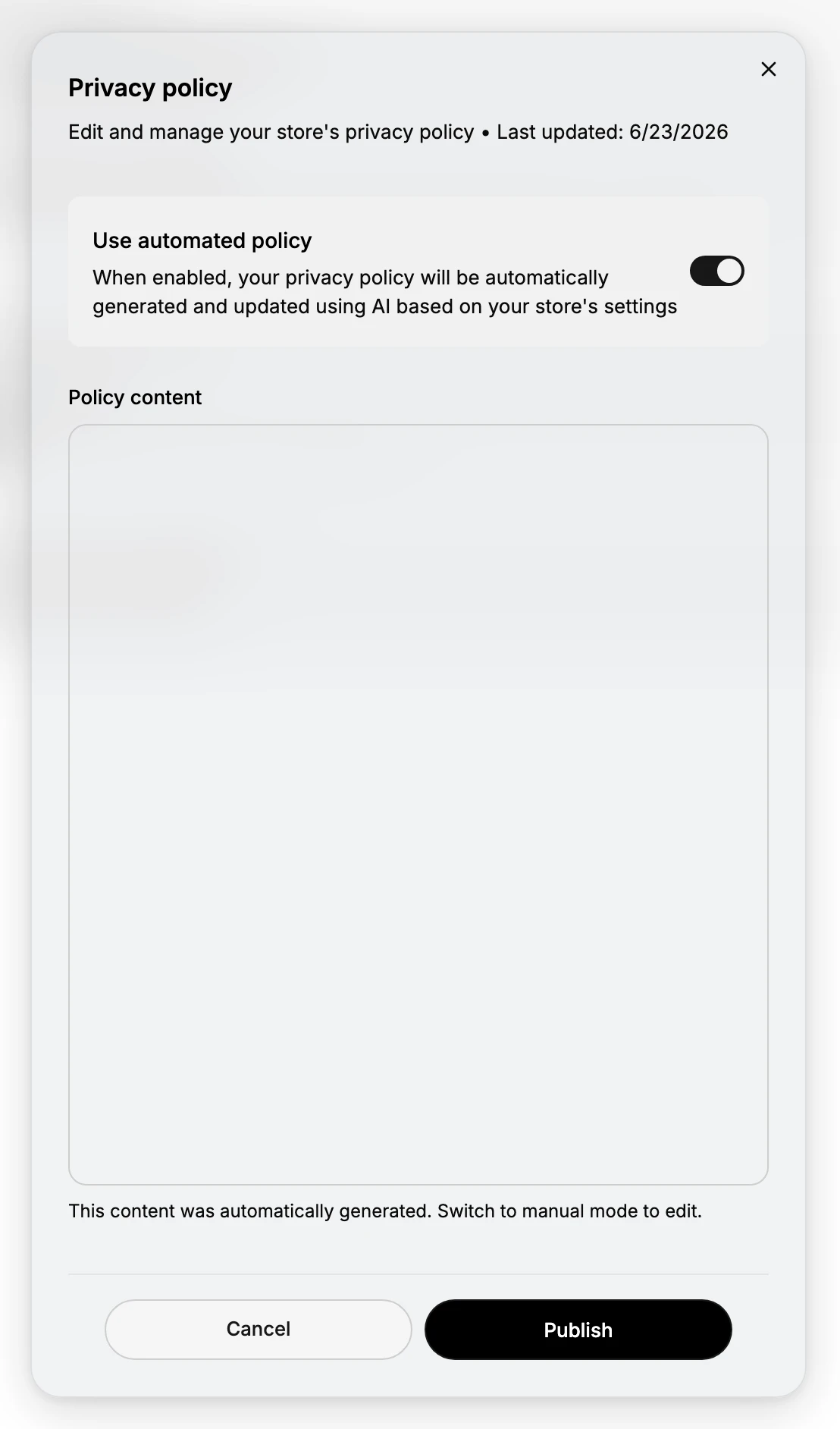
Work through the editor top to bottom:
- Choose automated or manual - leave Use automated policy on for an AI-generated policy that stays current, or turn it off to write the wording yourself.
- Review the content - in automated mode the Policy content is generated and read-only; turn the toggle off to edit it, and read it before publishing.
- Publish - select Publish to make the policy live, or Cancel to close without saving. The last-updated date then reflects the change.
Best practices
- Have your legal advisor review it. A privacy policy carries legal weight, so confirm the wording fits your business and the regions you sell to.
- Read the automated policy before publishing. The automatic option keeps it current, but you are still responsible for what it says.
- Switch to manual only when you need exact wording. Manual mode gives you full control but no longer updates the policy for you.
- Keep it current. Whether automated or manual, make sure the last-updated date reflects your real, current practices.
If something goes wrong
- The content field is not editable. Automated mode generates the content, so turn off Use automated policy to switch to manual mode and edit it.
- A change did not take effect. Changes go live only when you select Publish, not when you close the editor.
- You cannot manage the policy. Your role lacks the Edit privacy policy permission. Ask an owner or admin.
Next steps
Related articles
Still stuck?
- Ask Tanqory AIAsk in your own words. It answers from these articles and links the ones it used.
- Ask in your adminThe assistant in your Tanqory admin answers and makes the change for you once you confirm.
- Contact TanqoryWrite to our privacy, security or legal teams, or talk to sales about a plan or a move.