Content Overview
The Content area of the admin holds your non-product storefront content: pages, blog posts, menus, files, and metaobjects. It is where you manage everything on the storefront that is not a product.
On this page
The Content area is one of the top-level sections in your Tanqory admin. It holds the parts of your storefront that are not products: pages, blog posts, navigation menus, files, and metaobjects. Each of these has its own page inside Content, so you manage one type at a time rather than from a single combined screen.
Open Content in the admin sidebar to reach these pages. There is no separate Content landing page, so opening Content takes you to one of its types, and the rest appear beneath it in the sidebar.
Note: You need a role that can manage store content. A content type your role cannot reach is not hidden from the sidebar, it is greyed out and does not respond when you select it, so ask whoever administers the store to grant you a role that covers it. Roles and Permissions covers what each role reaches.
Content types
| Type | What it holds |
|---|---|
| Pages | Standalone storefront pages, such as About, Contact, or FAQ. |
| Blog Posts | Dated articles, each published to a blog. |
| Menus | Navigation menus that your theme uses to organize storefront links. |
| Files | Images, videos, and documents that you upload once and reuse across the store. |
| Metaobjects | Reusable structured content built from a definition, on the Metafields and metaobjects page. |
Where Content lives
In the admin sidebar, open Content. The section sits among the top-level areas of the admin and lists its types beneath it - Pages, Blog Posts, Menus, Files, and Metaobjects - so you select the type that matches what you are working on and manage one content type at a time.
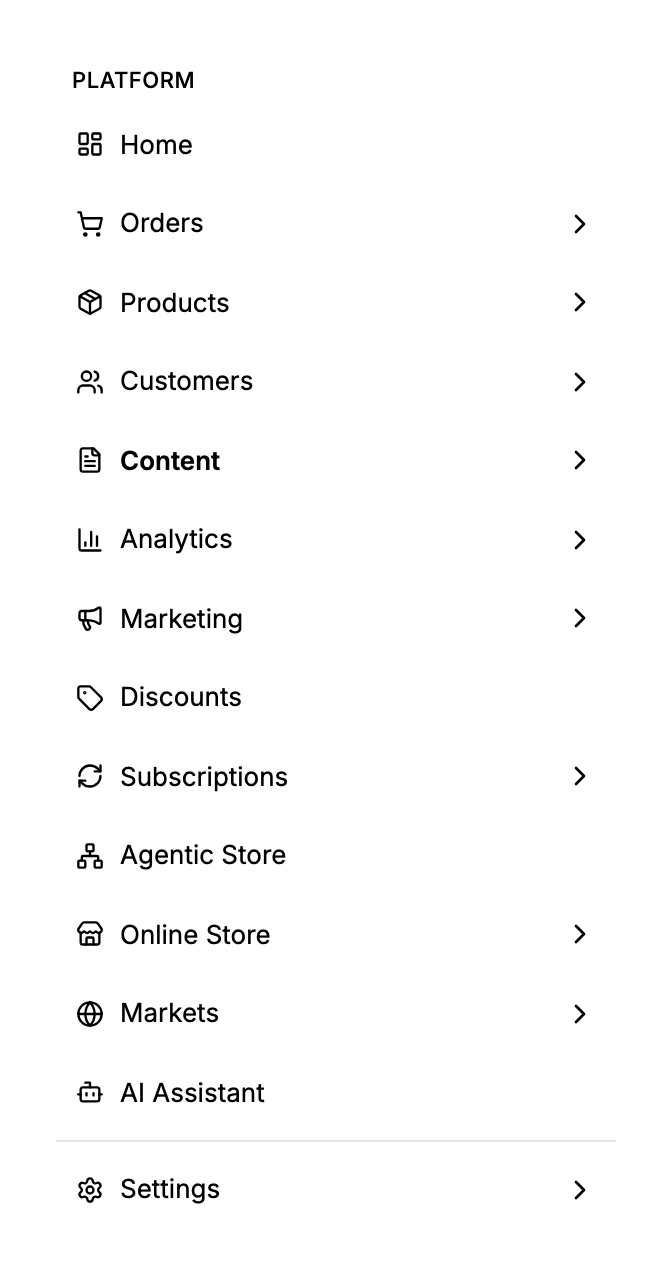
Each type opens its own page, where you create and edit that content:
- Pages for standalone pages like About or FAQ.
- Blog Posts for dated articles published to a blog.
- Menus for the navigation your theme renders.
- Files for images, videos, and documents you reuse.
- Metaobjects for reusable structured content.
Best practices
- Link new pages from a menu so visitors can reach them, because a page that no menu points to is only reachable through its direct URL.
- Upload each file once and reuse it across pages and posts, instead of uploading the same file several times and growing your Files library.
- Use metaobjects for repeated content that shares the same shape, such as FAQ entries or testimonials, so every entry follows one definition.
Next steps
Related articles
Still stuck?
- Ask Tanqory AIAsk in your own words. It answers from these articles and links the ones it used.
- Ask in your adminThe assistant in your Tanqory admin answers and makes the change for you once you confirm.
- Contact TanqoryWrite to our privacy, security or legal teams, or talk to sales about a plan or a move.